Presets and LUTs
A colour filter over a digital photo
- Colour only: grain and glow are separate sliders, or missing
- One setting for every photo, so many need fixing by hand
- Still looks digital in the highlights and shadows
- Fast and cheap
 Tember Film Looks
For Mac · Windows beta
Tember Film Looks gives your RAW and JPEG photos the colour, grain and glow of 57 film stocks. Pick a film, let the AI develop the photo if you like, and export.
macOS 13 or later on Apple silicon · Windows 10 and 11 in beta
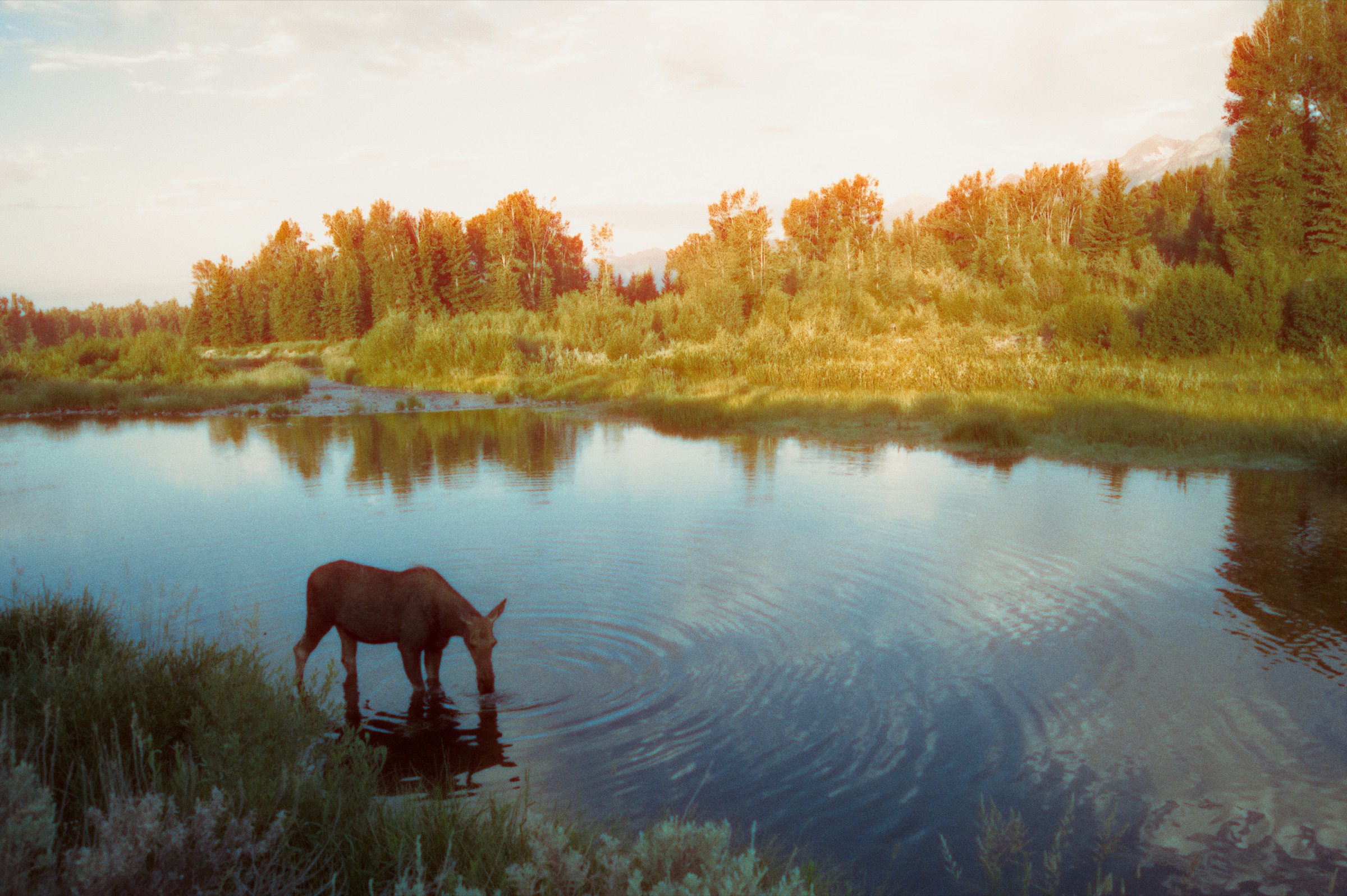
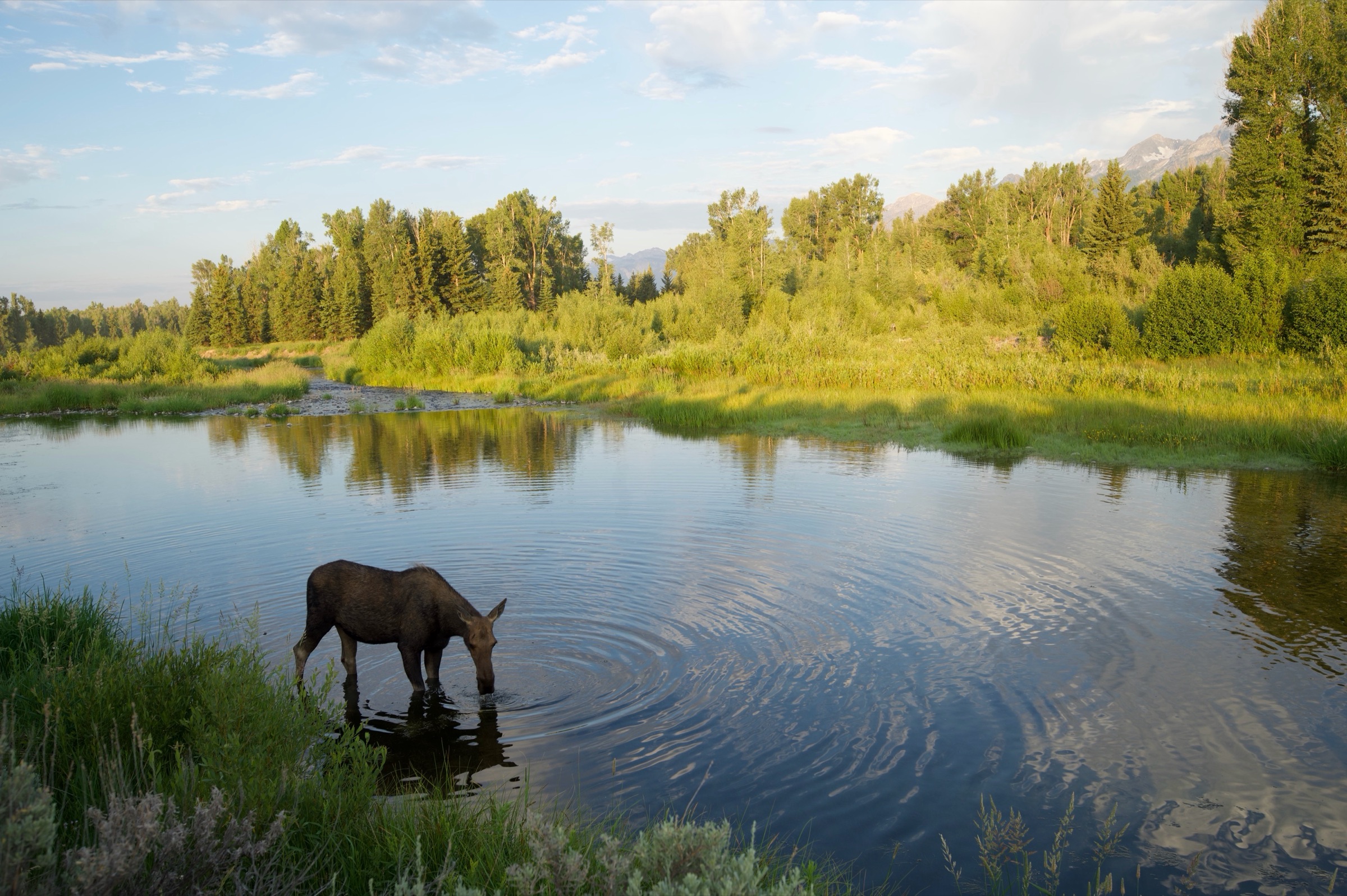
Six photos, six films. Every image below was made by the app from the original JPEG.
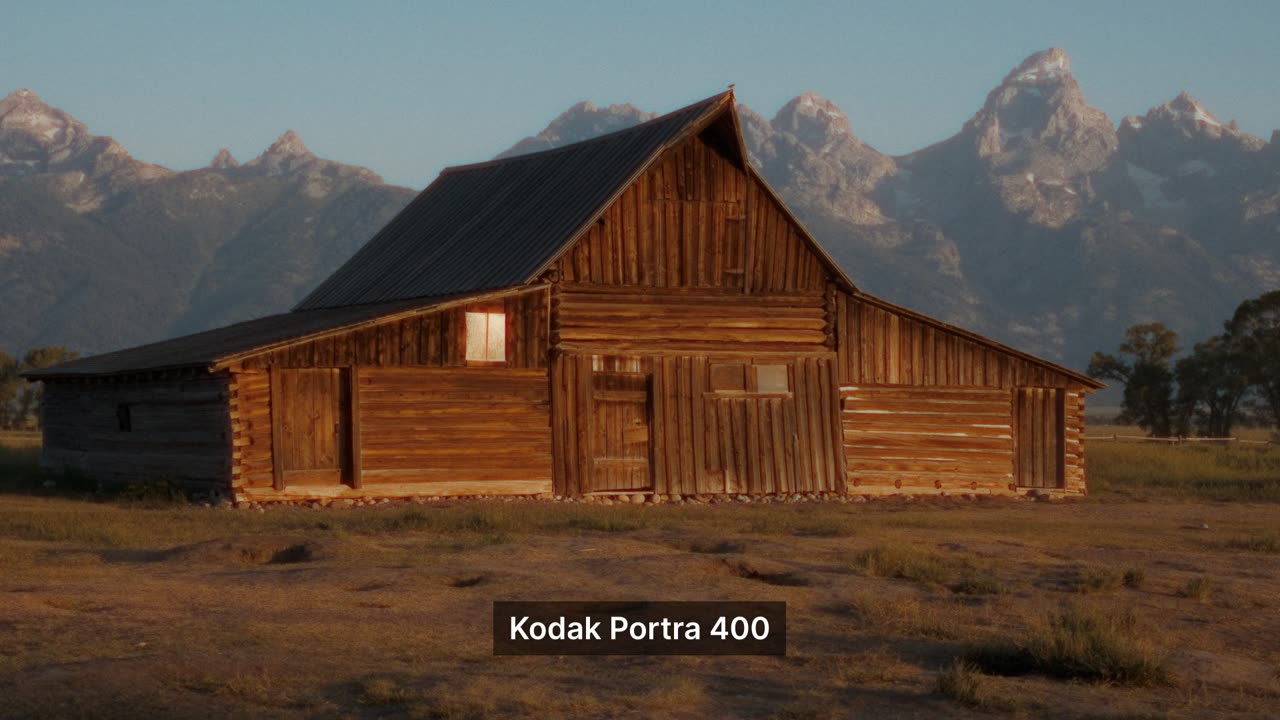
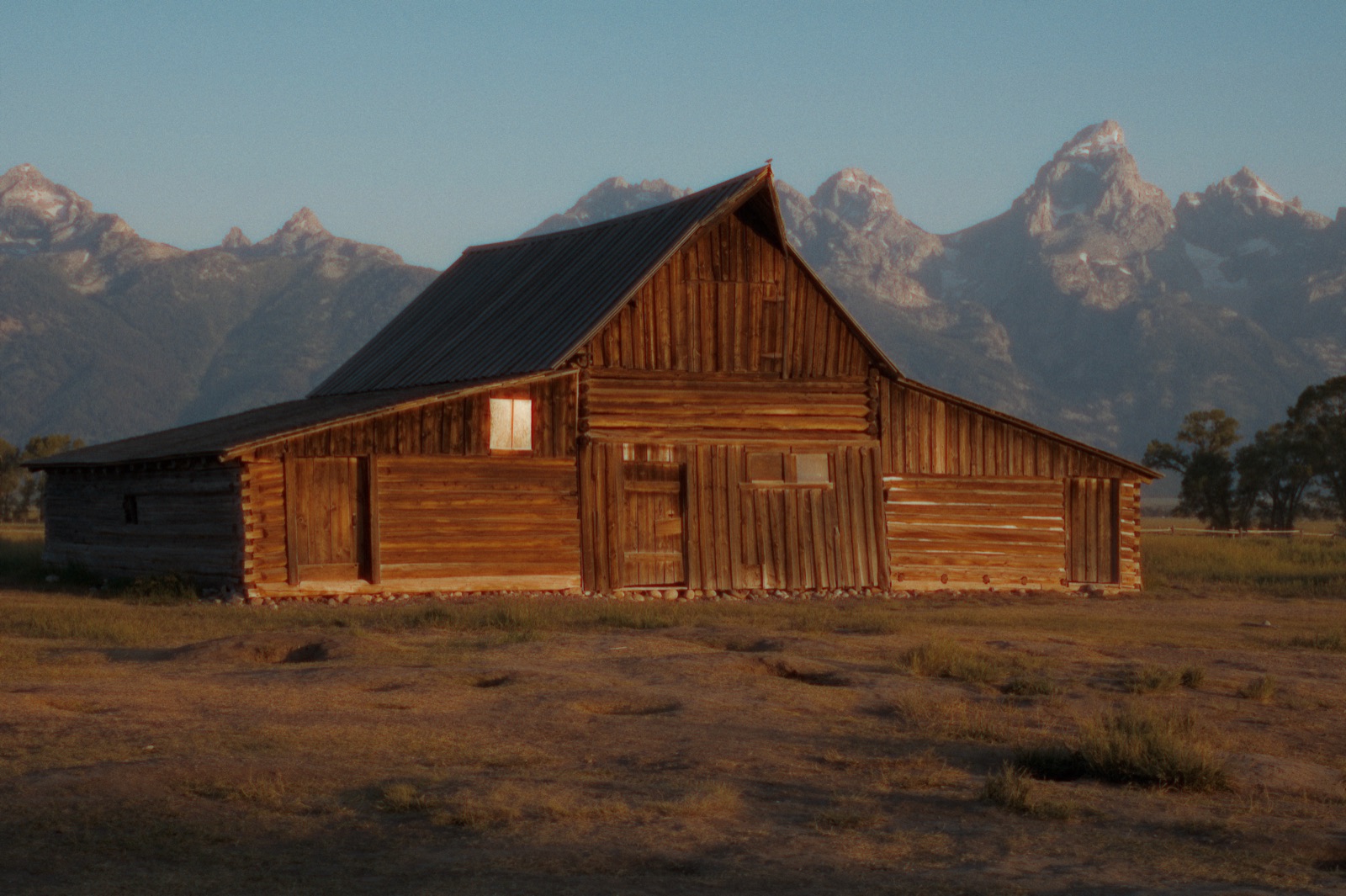 Portra 400
Why Tember
There are two usual ways to get film-looking photos. Here is how they compare with Tember Film Looks.
A colour filter over a digital photo
Buying, developing and scanning rolls
A film look made for each photo
How it works
RAW or JPEG. Step through a folder with the arrow keys; each photo keeps its own edits.
Click any of the 57 films and the whole photo changes. Press Enhance with AI first if you want the photo developed for you.
JPEG, 16-bit TIFF, PNG or HEIC, at the full size of your file.
Your numbers
Move the sliders to match how you shoot. A roll has 36 frames; set the price you would pay for film, developing and scans.
An estimate from your own numbers. Film prices vary by stock and lab.
Watch
Short clips of real photos going from as shot to film. They play from YouTube.
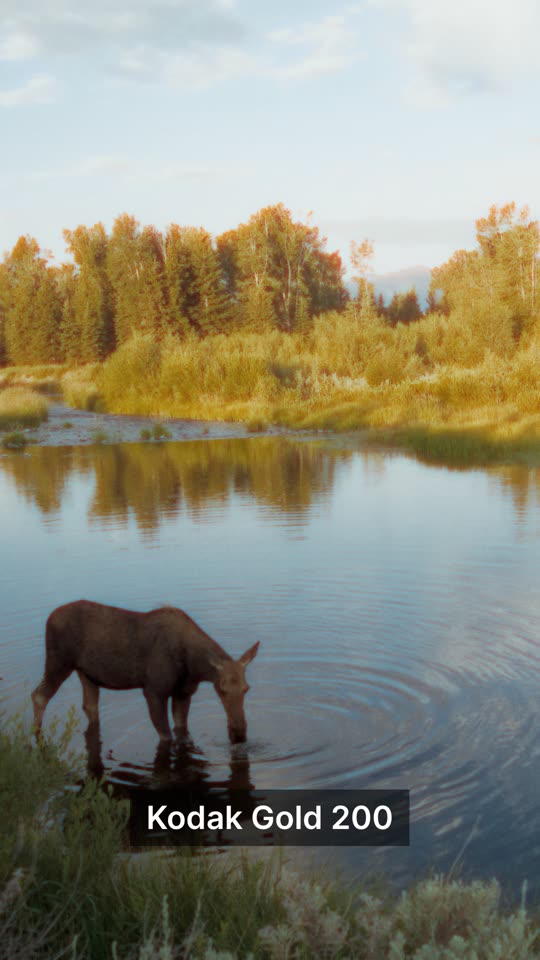
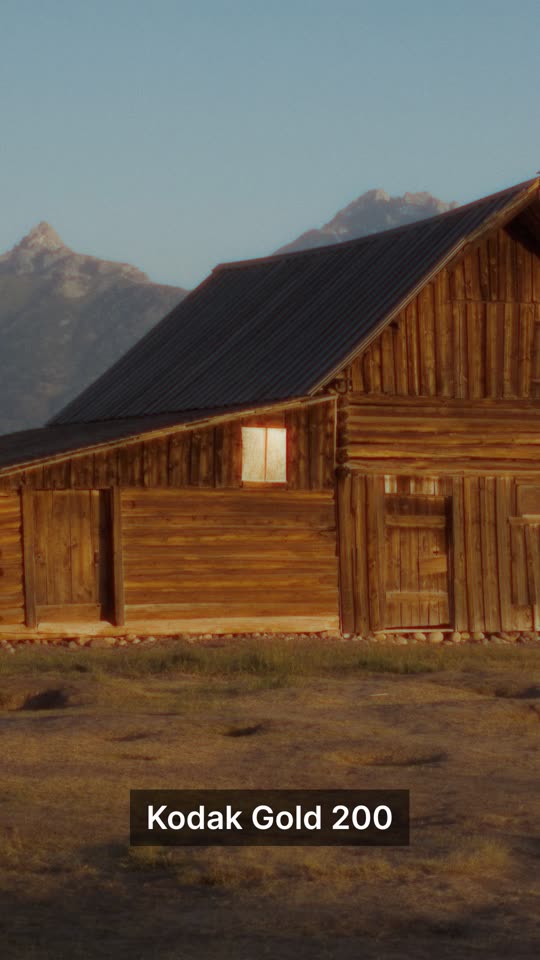
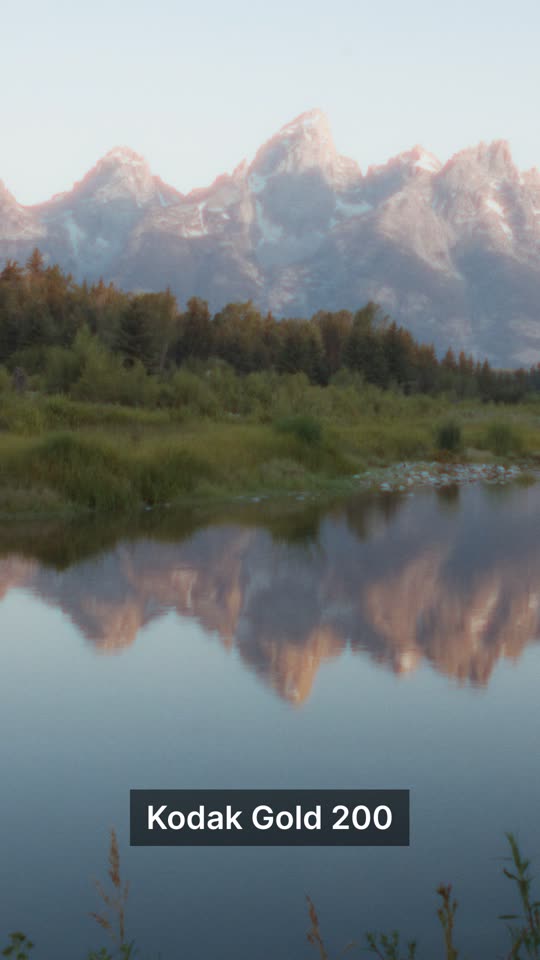
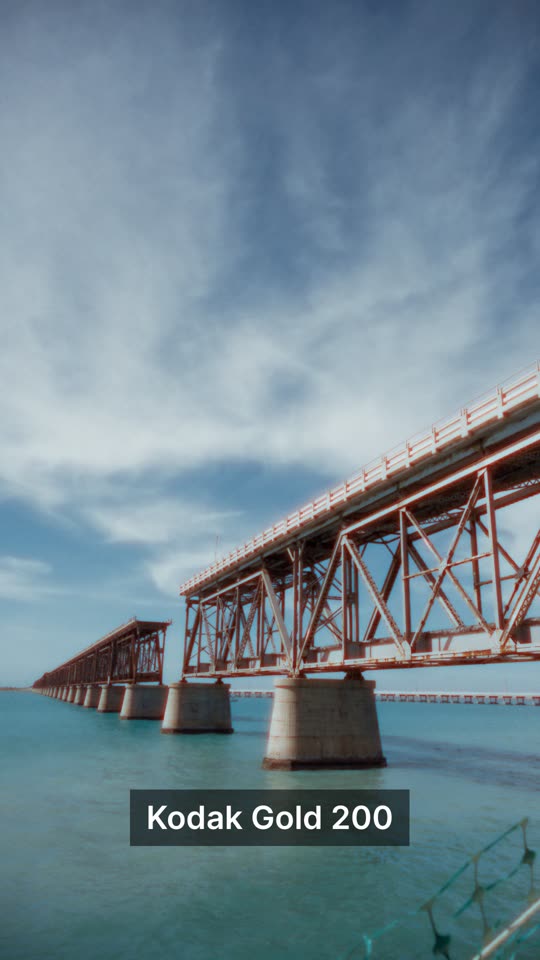
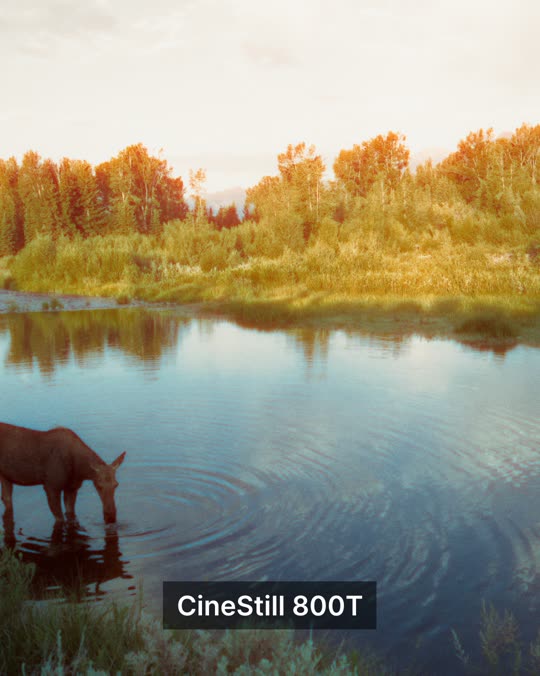
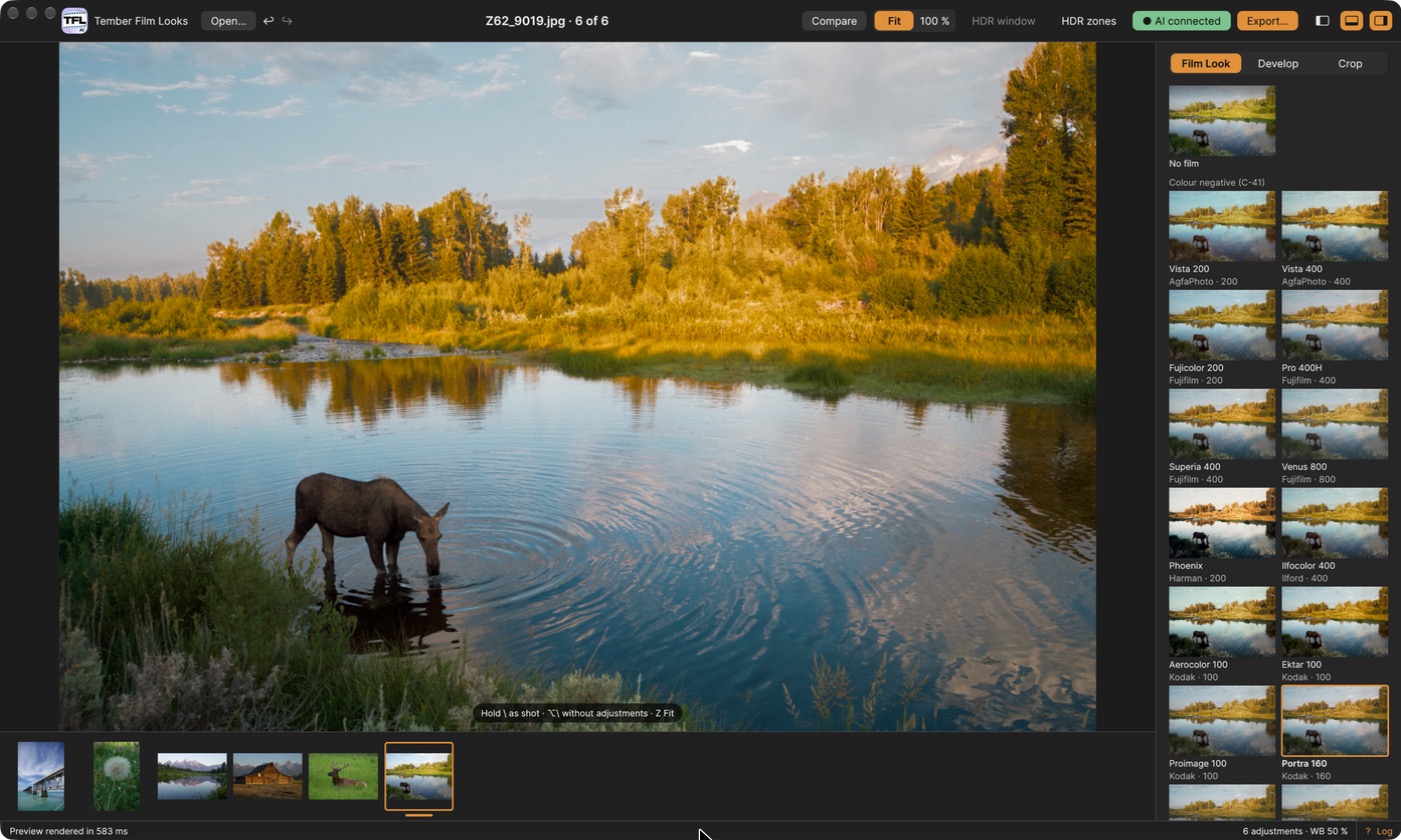
Colour negative, cine, black and white, slide and instant film: Portra, Gold, Ektar, CineStill, HP5, Tri-X, Ektachrome, Velvia, Instax and more. Click one and the whole photo changes, colour and contrast together.
Each film brings its own grain, from plates up to 8K, not digital noise. Add halation, the warm glow film gets around bright lights, as much or as little as you like.
Open RAW files from Nikon, Hasselblad, Sony, Canon, Fujifilm and more, or plain JPEGs. Your original files are never changed.
White balance, exposure, tone, sky and subject, detail and noise, all before the film. Styles such as Natural, Punchy and Moody give you a starting point.
Open a folder and step through it with the arrow keys. Each photo keeps its own film and edits, so you can come back to them later.
Export JPEG, 16-bit TIFF, PNG or HEIC at the full size of your file. Crop and straighten first, and compare with the original at any time by holding one key.
Optional
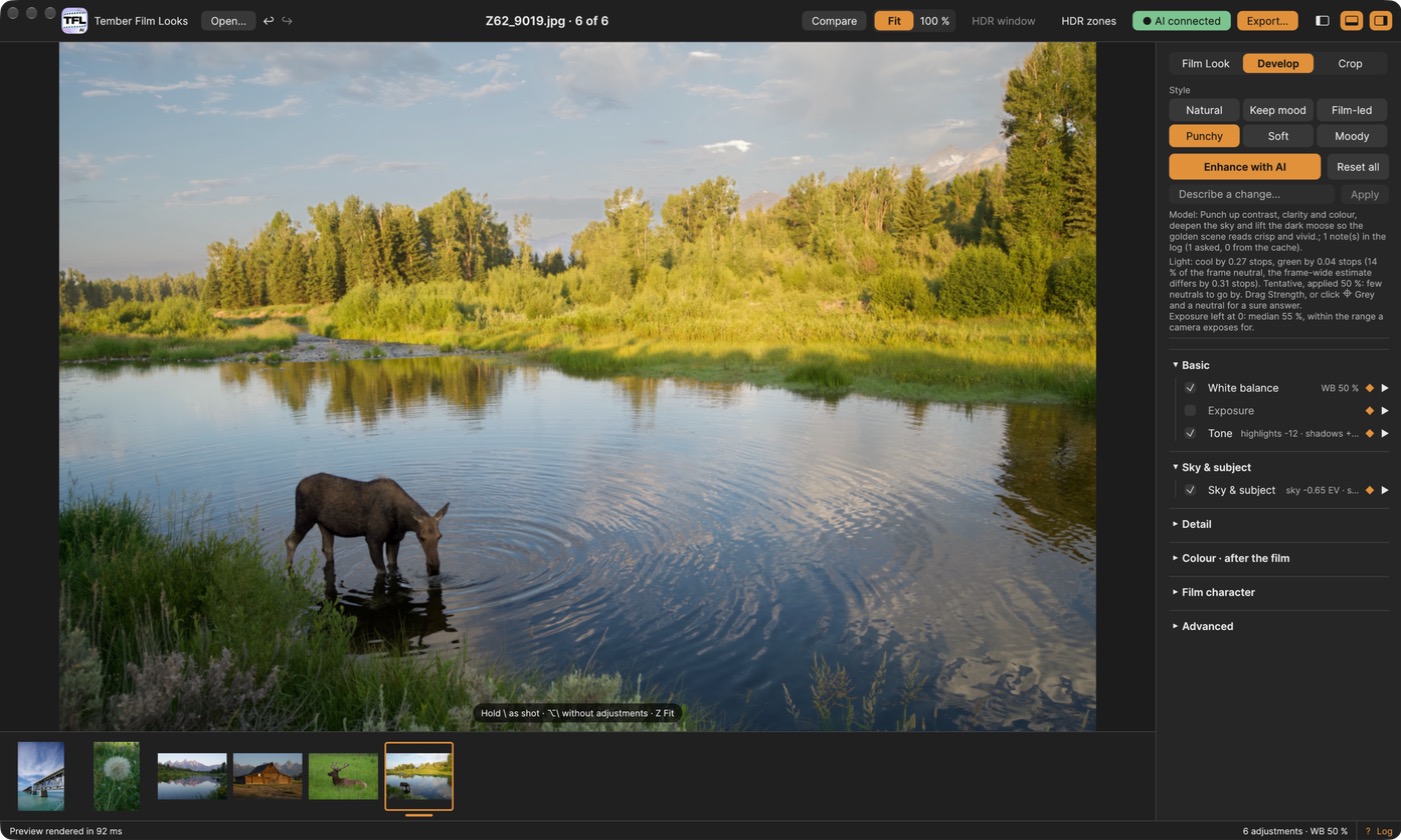
One click and the app measures your photo, then asks an AI model how to develop it: brighter shadows, a deeper sky, a cleaner white balance. You see every change it makes and can turn any of them off.
Or just describe what you want, like “warmer, and lift the moose out of the shadows”.
FAQ
No, it is its own app for Mac and Windows. Open your RAW files or JPEGs in it directly, or export a TIFF from Lightroom or Photoshop and open that.
Never. The app remembers your film and edits for each photo, and exporting always writes a new file.
RAW files from Nikon, Hasselblad, Sony, Canon, Fujifilm and more, plus JPEG. If your camera’s RAW files don’t open, export a TIFF or JPEG and use that.
They are our own models of how each film renders colour, contrast, grain and halation, built from scratch. Film names are trademarks of their owners; we are not affiliated with any film maker.
No. Enhance with AI is optional and uses your own key for any OpenAI-compatible model. Without a key, every film and every develop control still works, on your own computer.
Only if you turn on “Send the picture too” in Enhance with AI. Otherwise the AI receives numbers measured from the photo, not the photo itself.
Windows is in beta. Everything works except AI noise reduction and HDR export, which are Mac only for now.
We are opening the app up a few people at a time. Leave your email below and confirm it; once your request is approved we email you a download link that works for 7 days.
Tember Film Looks is available by request while we open it up. Leave your email, confirm it, and we’ll send your download link once your request is approved.